Capture any app.
Get a working API.
Tixl Capture intercepts traffic from your browser or desktop app, filters out the noise, and uses AI to generate a clean, reusable integration definition — automatically.
Book a demo to get early access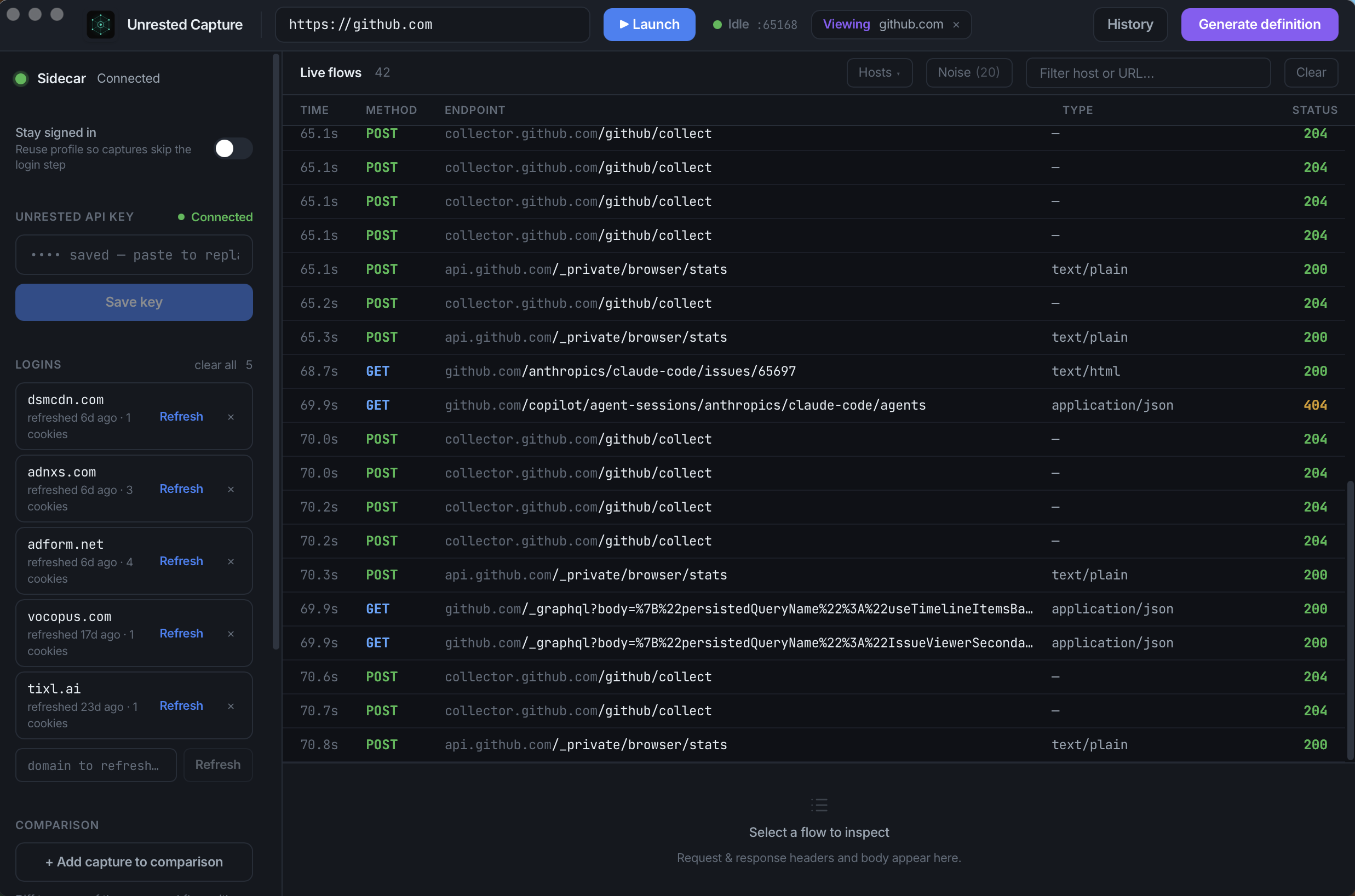
How it works
Capture
Launch the capture browser. Use the app or website you want to automate. Tixl records every API call in the background.
Generate
Hit Generate. AI analyzes the traffic, identifies the meaningful requests, and produces a step-by-step integration definition.
Call via MCP or REST
Submit the definition to the Hub. Your AI agents can now call it via MCP or REST — with your own credentials, on your own infrastructure.
Credentials stay on your machine
Session cookies and auth tokens never leave your network. The Hub only receives the traffic shape, not your secrets.
Noise filtering built in
Analytics, CDN, and tracking requests are automatically filtered out. Only API-shaped traffic makes it to the AI.
Data-flow graph
Visualize how values flow between requests — which response feeds into the next request. Ground truth for chained workflows.
Multi-capture diff
Capture the same workflow twice with different inputs. The diff identifies which parameters are dynamic vs hardcoded constants.